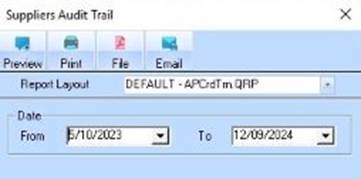
An Audit Trail report must be run before the End of Period transaction can be completed.
1. To generate the report, select a menu path of Reports Ø Audit Trail. The following dialogue box will be displayed:
2. To preview the report, select the Preview button. The following window will be displayed:
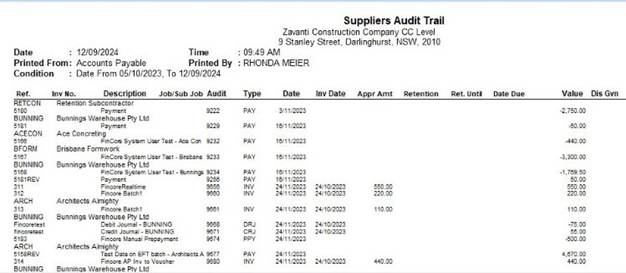
3. To generate a print, select the Print icon from the Toolbar.