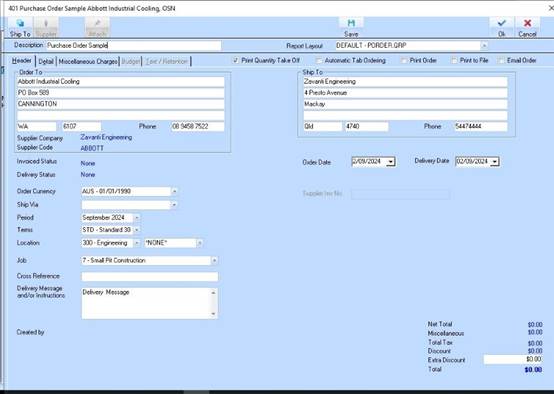
1. Select a Supplier, Period, Date and a Job
2. Click on the Detail tab
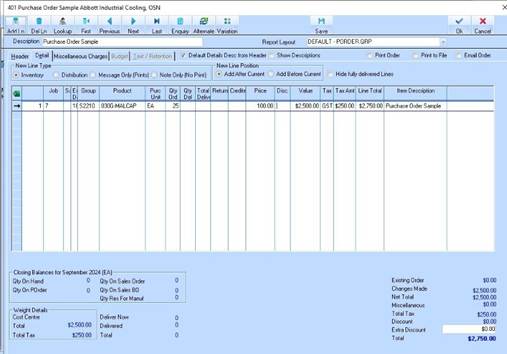
3. Click on ‘Add Line’ to create 1 or more line items
4. Select a Group/Item and enter Qty Ord. Click on Ok to complete the order.
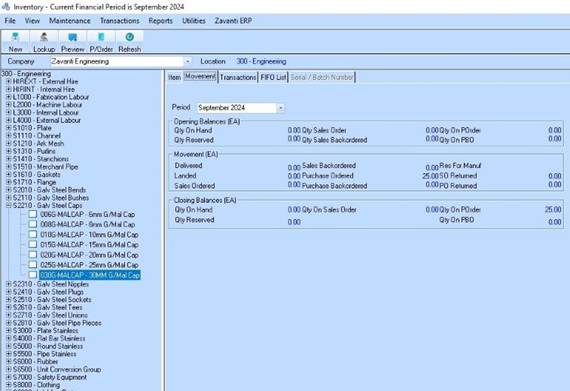
5. The Item Movement tab shows Purchase Ordered = 25
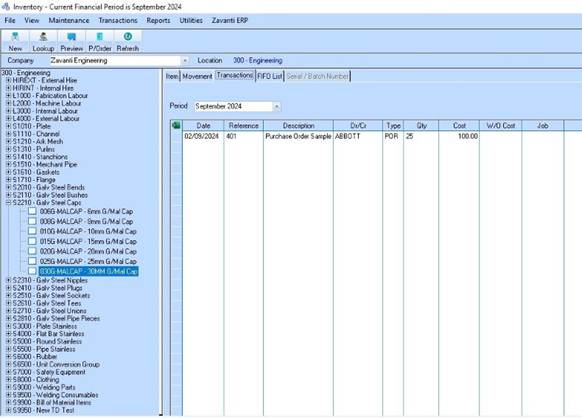
The transactions tab displays a POR (Purchase Order Request)
for a quantity of 25 @ $100.00 cost.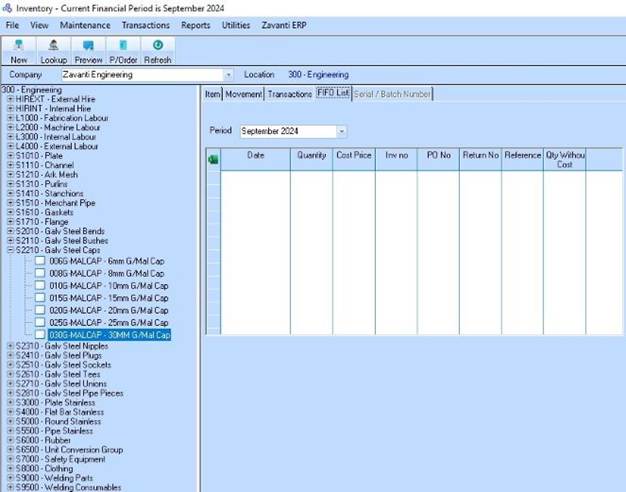
6. There is nothing displayed in the FIFO list at this time