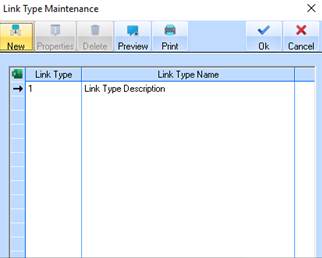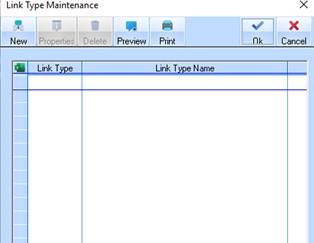
1. Select a menu path of Maintenance Ø Link Types. The following window will be displayed:
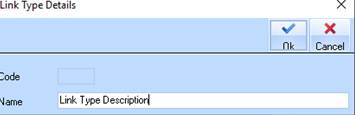
2. To create a new Note Type, select the New button. The following dialogue box will be displayed:
|
|
The system will generate and assign a unique identifier upon save so the Code field is not enabled for this transaction. |
3. Enter a description for the Note Type into the Name field. Press the OK button. The refreshed Note Type window will be displayed as follows: