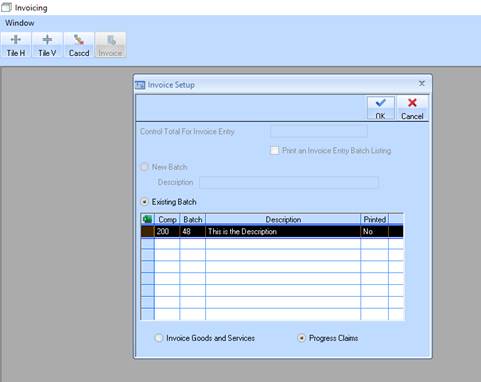
1. To post the invoices, select Transactions > Invoice or Progress Claim > Post and Print
2. The system will now display the Invoice Setup window.
3. Click OK to save your changes.
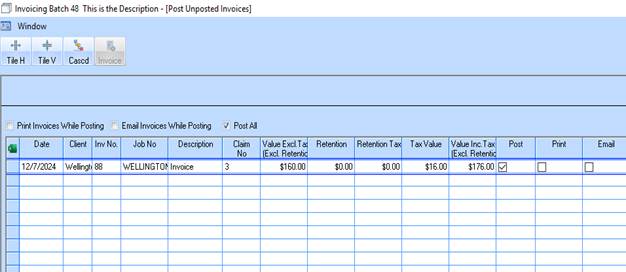
4. You will now be displayed the following message.
5. You also have the option to Print and/or email the invoices when Posting
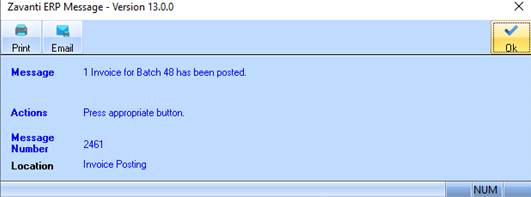
6. Click OK to finish posting invoices.
7. Close the Invoicing and Job Costing main windows.