To perform a Supplier Transaction Search
1. Select a menu path of Utilities Ø Supplier Transaction Search.
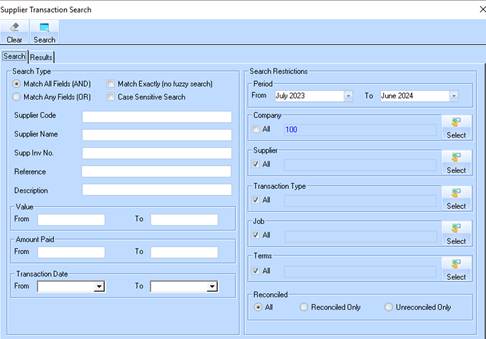
2. The following window will be displayed:
3. Select the Match All Fields or whichever option required.
4. Position your cursor in the Supplier Name field and type in the value “DEF”. Select the All checkbox in the Company and Supplier sections. Press the Search button. The following window will be displayed:
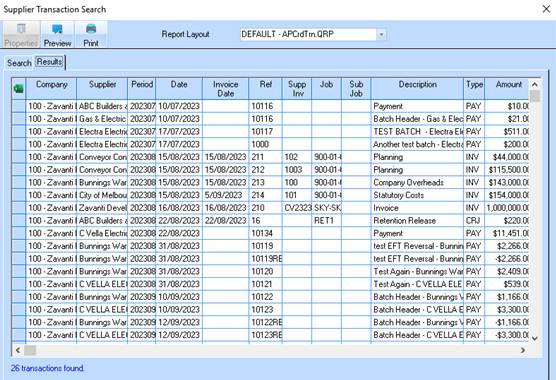
5. Select a Line Item and press the Properties button.
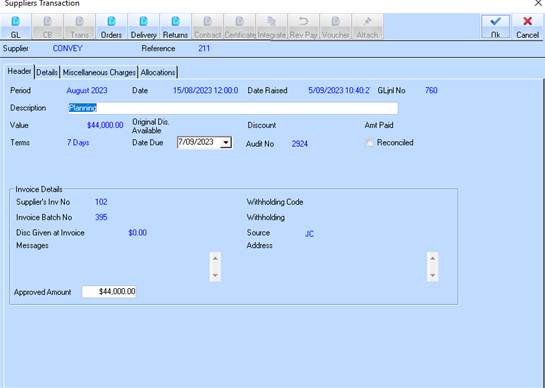
6. The following window will be displayed: