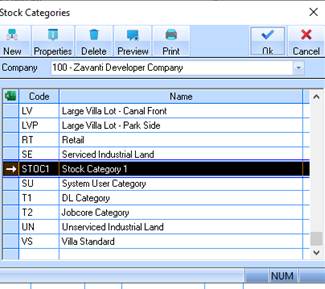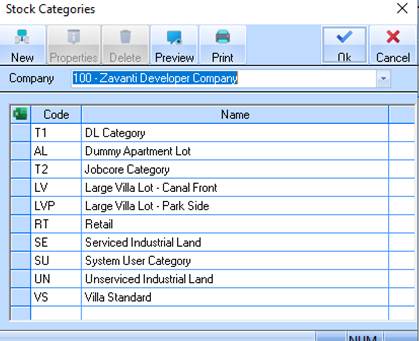
1. Select a menu path of Maintenance Ø Stock Ø Stock Category. The following window will be displayed:
2. Select the New button. The following window will be displayed:
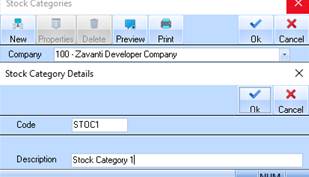
3. The Code field is used to assign the Stock Category a unique identifier. Enter a value and press Tab.
4. The Description field is used to enter a Description for the Stock Category. Enter a value and press Tab.
5. Press the OK button. The refreshed Stock Category Listing window will be displayed as follows: