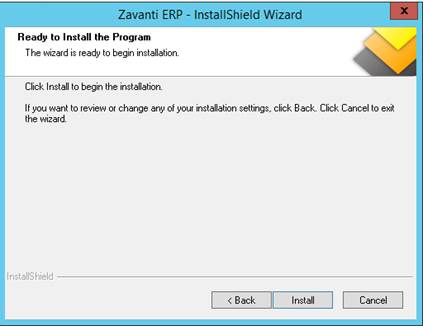
1. Run the install and follow all prompts.
2. Press “Next” to begin installation
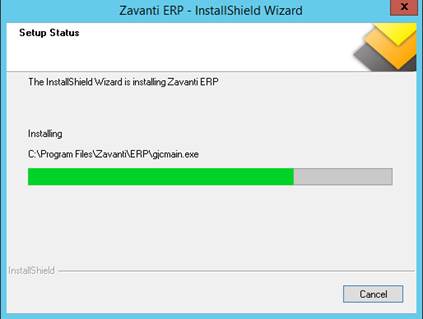
3. A ‘Status’ progress bar is displayed once the installation has commenced
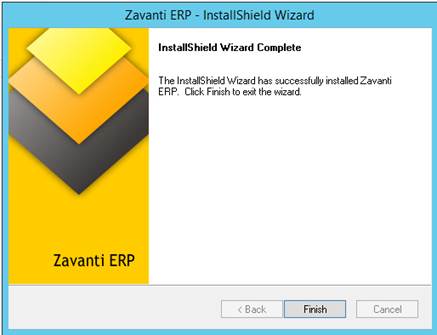
4. Once complete, you will be prompted to ‘Finish’
5. On completion of the install. you will be prompted to run the ‘System Maintenance’ module
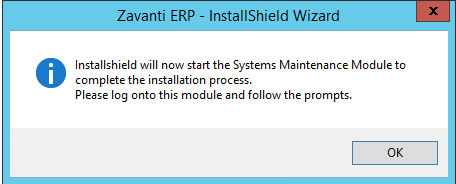
6. Click ‘OK’ - DO NOT CANCEL
7. You may be prompted to enter a new license key.
8. Once complete all users can now log in to Zavanti ERP.