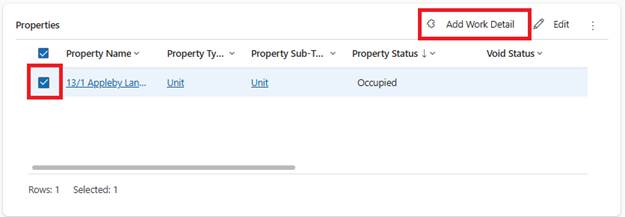
1. Review all properties and settings
2. In General tab, Properties section, click Add Work Detail
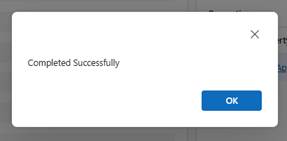
3. System confirms lines are ready
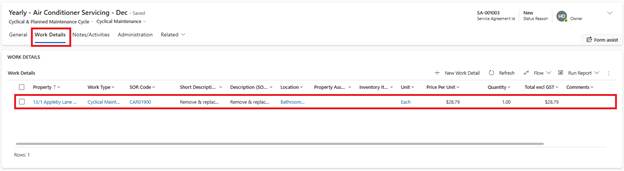
4. Set Activate Service Agreement=Yes
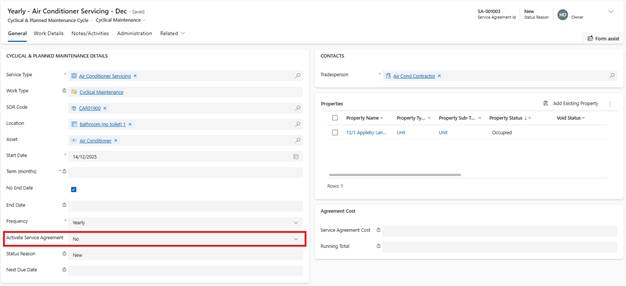
5. Enter Service Agreement Reference (if not already entered)
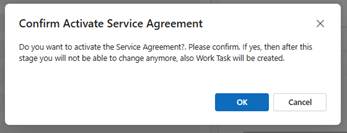
6. Confirm activation
System Actions:
•Service Agreement Status: Active
•Work Tasks generated immediately for all properties (based on start date)
•Next Due Date calculated and displayed (based on frequency)
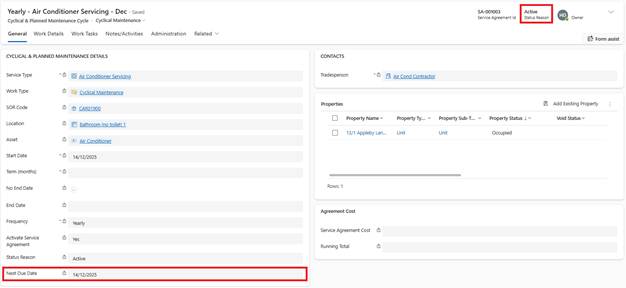
•System will auto-generate next batch of Work Tasks on Next Due Date