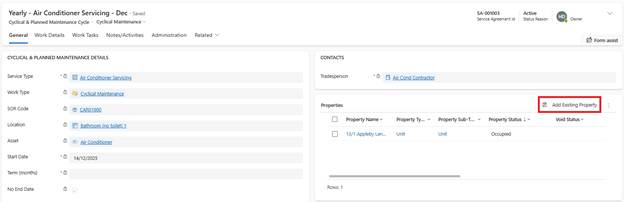
You can add more properties to active Service Agreements:
1. Open the Service Agreement
2. Navigate to Properties section
3. Click Add Properties
4. Select additional Properties
5. Click Add
6. Click Activate Work Detail Lines for new Properties only
7. System generates Work Tasks immediately for newly added properties
Note: Next Due Date remains unchanged for existing properties.