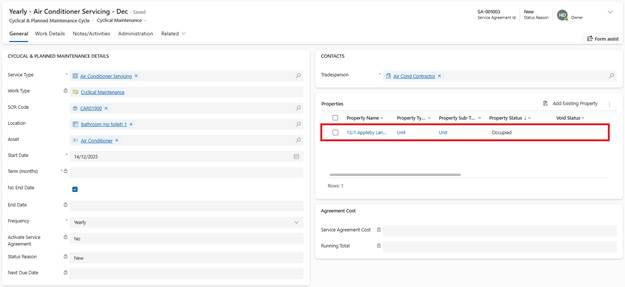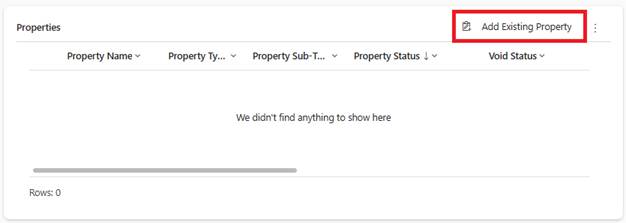
1. Within the Service Agreement, General tab, navigate to Properties section
2. Click Add Existing Properties
3. Property Lookup:
o Select individual properties
o OR use filtered views to select multiple properties at once
4. Select properties (checkboxes)
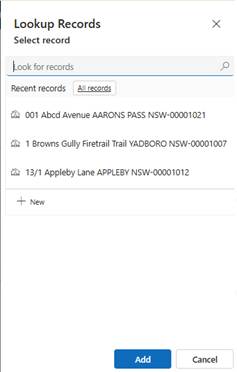
5. Click Add
System Actions:
•Properties added to Service Agreement
•SOW code, work type, costs copied from SOW code master to each Property line
•Lines created but not yet active