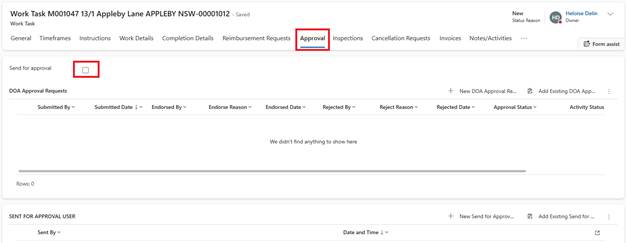
If the Work Task total exceeds the configured DOA threshold:
1. Email Work Task button is hidden
2. Approval tab appears
3. Click Send for Approval and save
4. System Actions:
o Routes to Assets Officer (or configured approver)
o Approver receives task in their Activities list
o Email notification sent
5. Approver Actions:
o Reviews Work Task details
o Approves or rejects
o If approved: Work Task automatically Emails to contractor
o If rejected: Returns to creator with comments