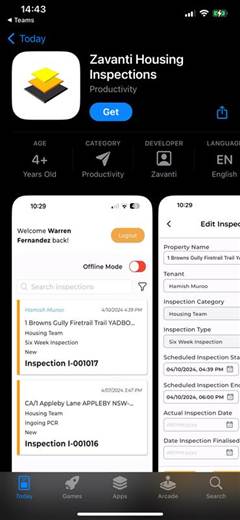
The iOS version is provided as a public unlisted app which means you need the link to install it. You can download the Inspection app with this link:
•iOS App Link: (https://apps.apple.com/us/app/zavanti-housing-Inspections/id6754832223)
Steps:
1. Tap the installation link.
2. Follow the App Store prompts to install.
3. Open the app and sign in using your network username and password.
4. If prompted, select the appropriate organisation (e.g., Sandbox, Production). This will only show if you have been granted access to more than one.