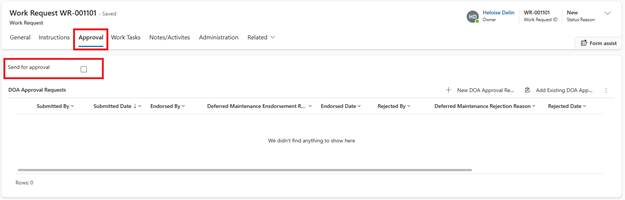
1. Open the Work Request
2. Navigate to the Approval tab
3. Tick ‘Send for Approval’
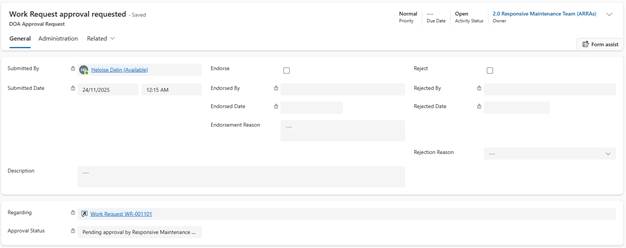
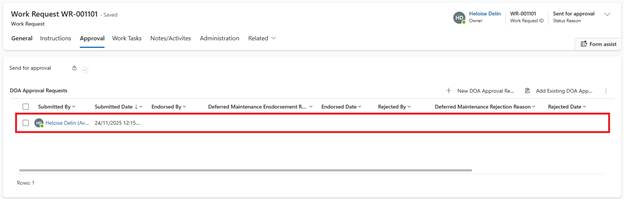
4. A DOA Approval Request is created,
5. System Actions:
o Routes to Maintenance team (or configured approver)
o Approver receives task in their Activities list
o Email notification sent
6. Approver Actions:
o Reviews Work Request details
o Approves or rejects