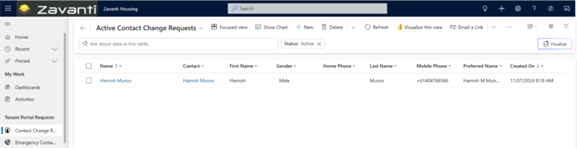
This function allows Tenant to submit a Request to update contact information.
Process:
1. Select ‘Update Personal Details’ from the left menu
2. Enter the updated information in the provided fields
3. Click ‘Submit’
Changes submitted through the portal do not automatically update the record. CHP will review the Request and manually update details in Zavanti after verification.
Customization Point: CHP can configure which personal details Tenants can Request to update through the portal.