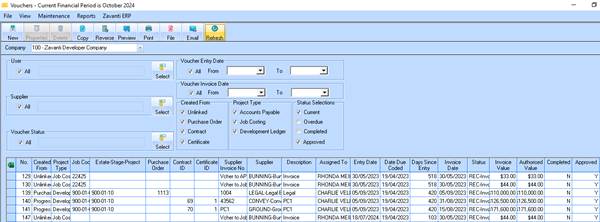
The 'approved' filter check box on main Voucher window (as shown) can be used conjunction with the other Status selection in order to select/unselect ‘approve’ vouchers.
When unticked, vouchers to be selected regardless of Approval status
Voucher listing selection window
The 'Approved' filter check box can be selected on the main Voucher detailed listing selection window in the Status selection group box.
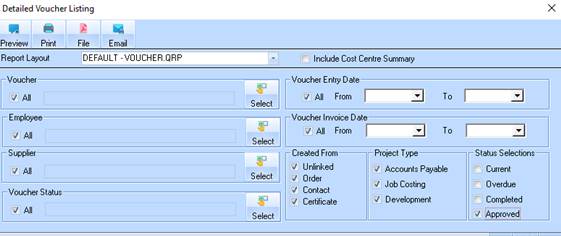
The 'Approved' filter check box, can be selected separate to the other combinations of status selection. When unticked, vouchers to be selected regardless of Approval status