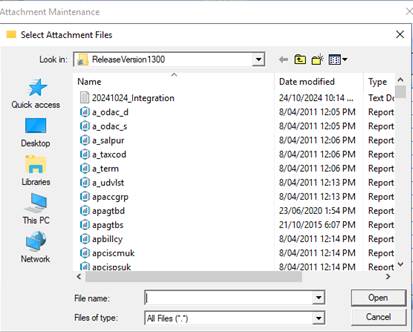
The Voucher Maintenance functionality allows you to 'attach' any scanned document or electronic file. This will be particularly useful for Voucher users who wish to allow users to review the 'invoice' through the Voucher approval process without having to circulate the physical document. Users can now click on the 'attach' button on the Voucher maintenance detail window to attach, or view any document previously attached.
To use this function:
1. Open the Voucher you wish to attach a document to.
2. Click on the Attach button located on the Toolbar. A standard windows file dialog box will open.
3. Navigate to the file you want to attach to this Voucher, by clicking 'FIND' and click Open.
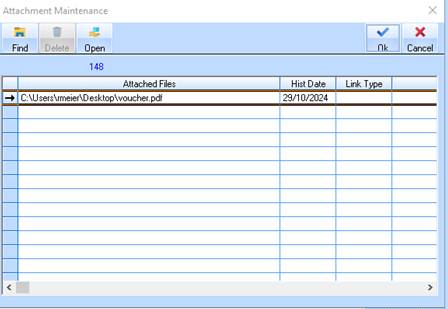
4. For example, it doesn’t matter which document we choose. However this document may be a fax that we receive from the supplier, or client, or any other data that we wish to attach to this Voucher.
5. Select a Link Type if applicable. Please note, these link types can be maintained in the Contract Management module.
6. Enter notes for the document in the Notes column.
7. Click on OK to confirm.