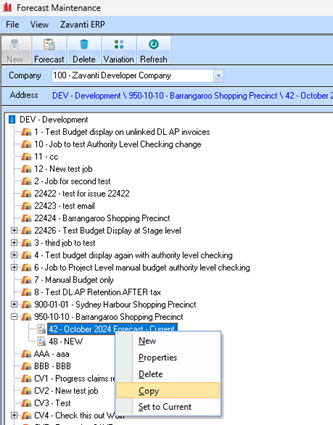
The following section is a simple guide on how to Copy an existing forecast.
1. Open the Forecast Module, and select a Forecast form the Tree.
2. This COPY option is only available on the right Mouse Click menu when a Forecast is selected.
3. Click COPY to create a new forecast based on the selected forecast
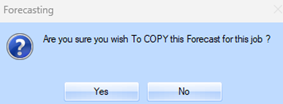
4. You will be prompted to confirm that you wish to create a copy of the forecast.
5. Once confirmed, you will see the new forecast set with a description of “NEW”
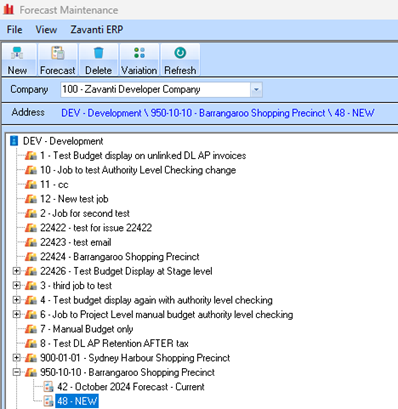
6. You can now EDIT and maintain this forecast, change the description etc, and SAVE as you would when maintaining the current forecast.
|
|
The new copy function is available ONLY on the right mouse click menu when selecting a Forecast from the main window. |
