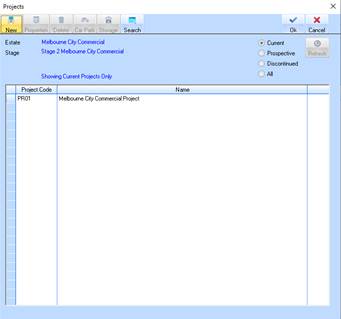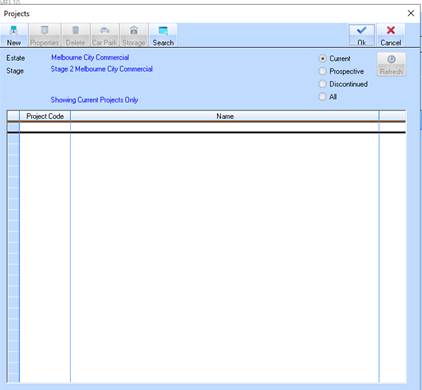
1. From the Stage Maintenance window, select the Project button. The following window will be displayed:
2. To create a new project, select the New button. The following window will be displayed:
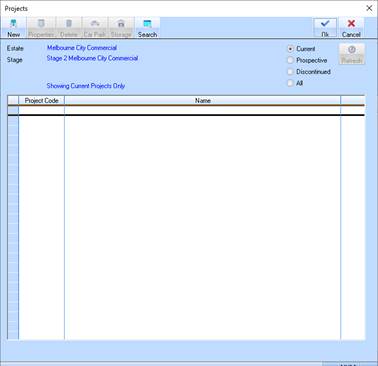
3. The Project Code field is the project code is the code by which you will know your project. This code will appear in selection boxes, on reports and in display only fields whenever you are dealing with this Project. It can be up to 5 characters long and must be entered when creating a new project. Enter a value and press the Tab key.
4. The Project Name field is user to input the long hand name describing your project. This name will appear on headings on reports and in pick lists when choosing and dealing with this project. Enter a value and press the Tab key.
5. To create the Project, select the OK button. The following window will be displayed: