1. Select a menu path of Maintenance Ø Voucher Status.
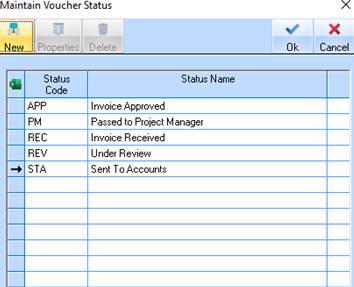
2. The following window will be displayed:
3. Existing status codes will be displayed within the list. To create a new Voucher Status Code, select the New button.
4. The following dialogue box will be displayed:
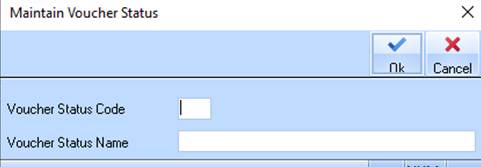
5. Enter a three character value into the Voucher Status Code field. Press the Tab key.
6. Enter a description of the status into the Voucher Status Name field. Select the OK button.
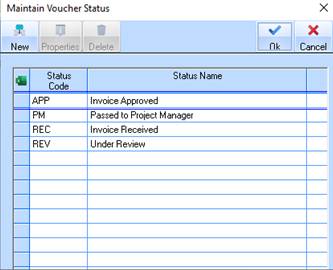
7. The system will refresh the list with the new code as follows: