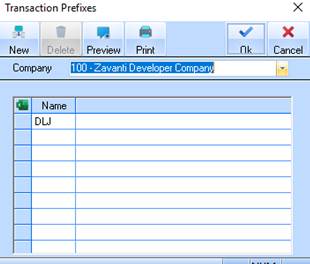
This maintenance function allows you to maintain system and user defined transaction prefixes. These prefixes as explained earlier will be used when setting up Cost Centres.
1. Select a menu path of Maintenance Ø Transaction Prefixes.
2. The following window will be displayed:
3. The Company pick list allows you to select the Company that you would like to create the new Transaction Prefix for. This will default to the Company you logged in as. Leave the value as defaulted and press Tab.
4. To create a new Transaction prefix, select the button. The following window will be displayed:
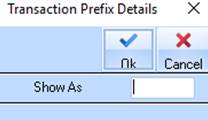
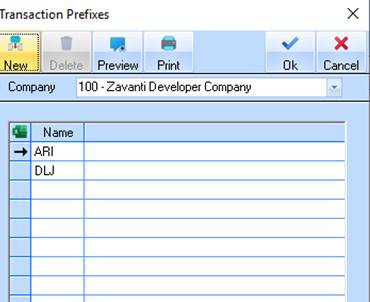
5. Enter a value into the Show As field and press the OK button. The refreshed Transaction Prefixes Listing window will be displayed as follows:
|
|
The following values are mandatory Transaction Prefixes:
You may also use this transaction to create unlimited company specific codes to fully support your business processing requirements. |
