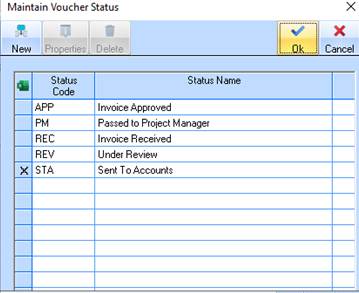
1. Select a Line Item from the Maintain Voucher Status window. Press the Delete button.
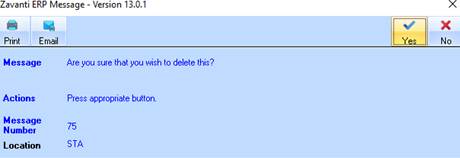
2. The following dialogue box will be displayed:
3. Press the Yes button. The following dialogue box will be displayed:
|
|
The deleted value is marked with a Cross |
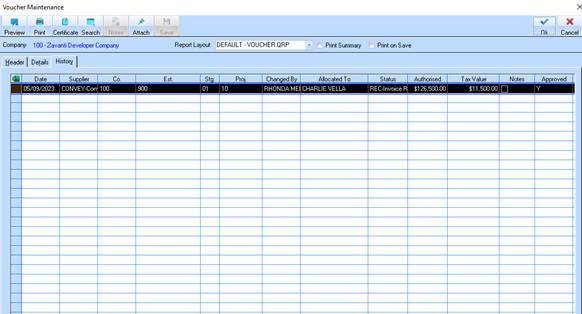
Voucher Maintenance – History Tab
The ‘Approved’ details are maintained in the Voucher maintenance History as shown on the History TAB

 . The next time you display this window,
the deleted value will no longer appear in the
list.
. The next time you display this window,
the deleted value will no longer appear in the
list.