A Code may become redundant or company policy may change. Another scenario is if a code that is shipped with the Zavanti ERP software is not used by a company it can be deleted using this function.
Navigate to the Billing Cycles dialogue box by using the menu path Maintenance Ø Billing Cycles. .
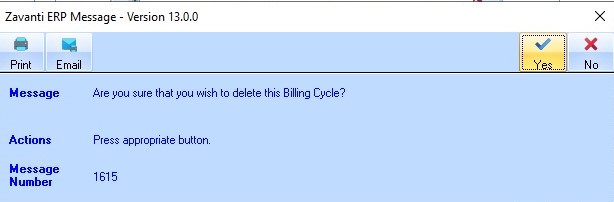
1. From the Billing Cycles window, select the Line Item requiring deletion and press the Delete button. The following dialogue box will be displayed:
2. Select the Yes button. The updated Billing Cycles dialogue box will be displayed.
|
|
A deleted value is denoted by a Cross |

 sign against the deleted Line
Item. This will no longer be displayed once you navigate away from
the function.
sign against the deleted Line
Item. This will no longer be displayed once you navigate away from
the function.