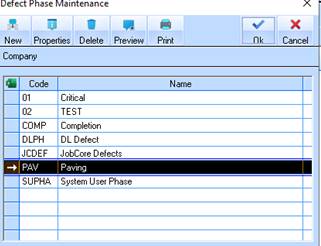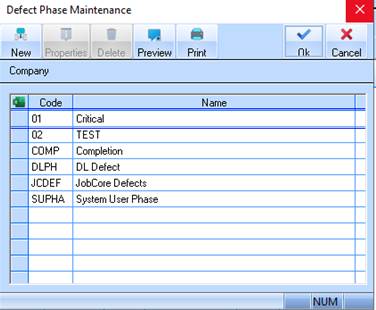
You may maintain Improvement Defects easily via the Maintenance function.
1. Select a menu path of Maintenance Ø Stock Ø Improvement Defects and select the type of improvement defect master data that you would like to add or maintain. You may select from Phase, Type, Severity and Location.
2. To Maintain Phase:
3. Select a menu path of Maintenance Ø Stock Ø Improvement Defects Ø Phase.
4. The following window will be displayed:
5. To create a new Phase, select the New button. The following dialogue box will be displayed:
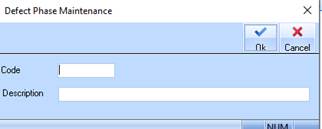
6. Enter a unique identifier for the Phase in the Code field. Press Tab.
7. In the Description field, enter a meaningful value and press the OK button. The refreshed Defect Phase listing window will be displayed as follows: