
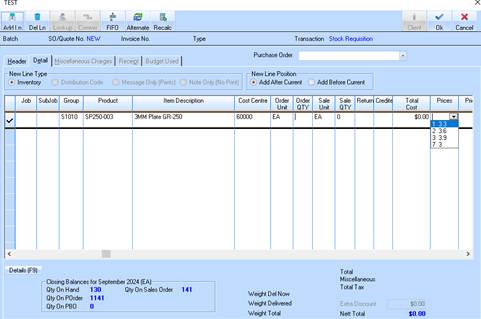
When the user creates a Sales Order and selects an item from an Item Group as set up in Setting Group Details above, then they will be prompted to select the Mark up % (or ratio) to be applied to the Cost price in order to calculate the selling price.
3. We show the % Ratios, as maintained against the GROUP, and when the user selects a particular ‘Ratio’, then this MARKUP % is applied the COST price that has been selected either from the LAST COST (landed) or re-entered.
4. The user can overwrite this PRICE if required.