Sales sources can be used for purposes such as determining which area/suburb a purchaser comes from. It can be useful for such things as market research, management reports etc.
These codes are used to flag a sale as to where the sale came from. By setting up your sources such as Metropolitan Sydney, Country NSW etc. (or even more defined if necessary), you can access your sales from a marketing perspective by this source.
1. Select a menu path of Maintenance Ø Sales Source.
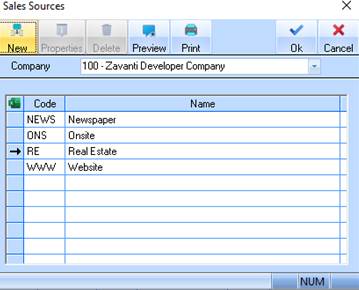
2. The following window will be displayed:
3. To create a new Sales Source, select the New button. The following dialogue box will be displayed:
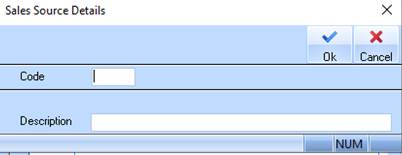
4. Enter a unique identifier into the Code field. Press Tab.
5. Enter a name for the Sales Source into the Description field. Press the OK button.
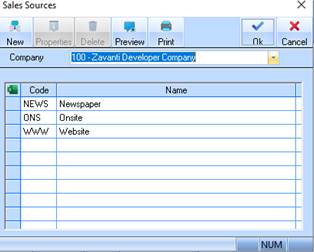
6. The refreshed Sales Source listing window will be displayed as follows: