Sales types define your sales terms i.e. cash – 30, 60, 90 days, builder’s terms, etc. They are selected upon processing a sale and can be used to categorise your sales in the Accounts Receivable Ledger. They are also used for selection and subtotalling on the Aged Trial Balance in Accounts Receivable and on various reports.
These codes are to show you what type of sale you are making and then to assist you in the setting up of the correct contracts, terms etc. for that purchaser and the new sale.
To maintain sales types:
1. Select a menu path of Maintenance Ø Sales Ø Sales Types.
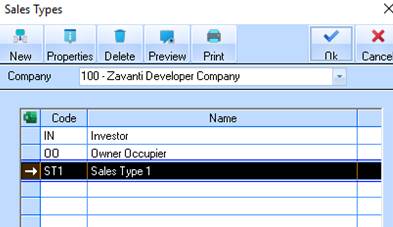
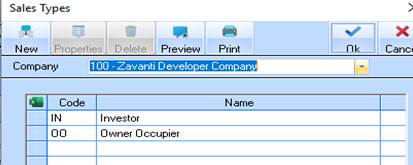
2. The following window will be displayed:
3. To create a new Sales Type, select the New button. The following dialogue box will be displayed:
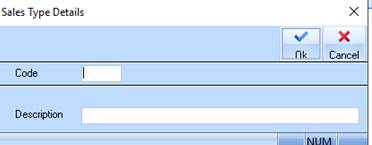
4. Enter a unique identifier in the Code field. Press Tab.
5. In the Description field, enter a meaningful name for the Type. Press the OK button. The Sales Type window will be refreshed and displayed as follows: