In the Balances tab, you can specify whether a balance is periodic or non-periodic. In the Balance lookup screen, they are separated into periodic and non-periodic balances. As well as choosing non-period balances you can also choose balances that are not relevant to a Distribution Code. These are called Value No Code balances. If you specify a Value No Code balance, you must also specify a Value No Code Action to Perform in the details tab, in the row for that item.
Constants tab
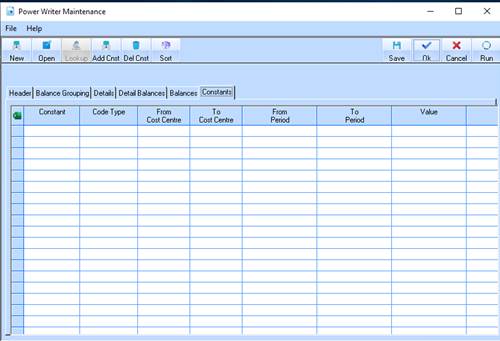
The Constants tab allows you to specify a number that doesn’t change for the entirety of the report. This may be a value that numbers need to be calculated by for example. You can specify the constant to appear for a certain distribution code, or period.
1. Select the Constants tab. The following window will be displayed: