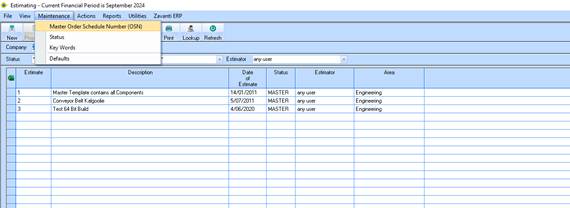
1. In the new Company/Entity of the Estimating module. Select Maintenance/Master Order Schedule (OSN)
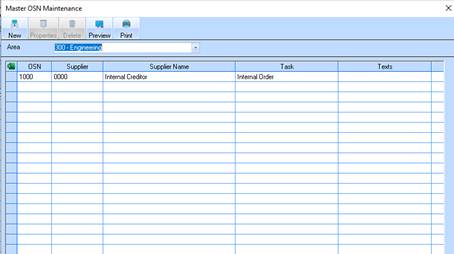
2. Click on the New button
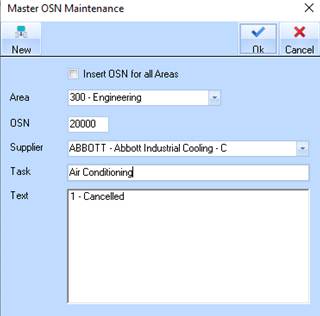
3. Type in an OSN and use the drop down arrow to select the supplier code. Click on OK
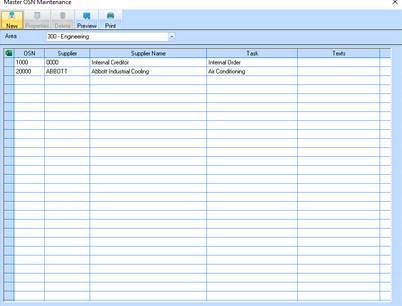
4. You now have a record in the table window. Close the maintenance window at the ‘x’ and you will be ready to go with your Estimate Budget.