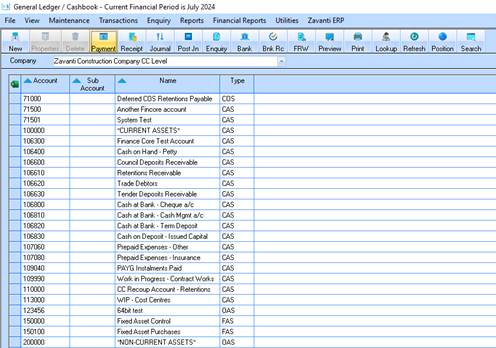
In the General Ledger module, click the Journal button
1. Ensure the appropriate Period has been selected
2. Under Transaction Type select Existing
3. Click the Journal button
4. All existing unposted journals for the period will appear.
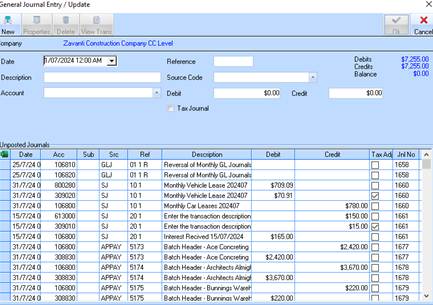
5. Locate the journal where the issue occurs (see section “Finding errors with journals” below for tips on how to locate journal errors)
6. Highlight the journal and press Properties
7. Press OK to the message
8. The details of the journal will appear in the top of the window
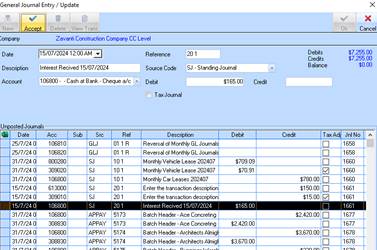
9. Update the information as required (either debit/credit figure, description or GL account) and press Accept
10. Once the journals have been updated press OK to save the changes
11. Try posting the journals again