Specifying Run Options allows you to determine the company, estate stage or project you would like to run the report on. You can run a report on several of these entities. You can also choose the period dates for each period range of the report. The run options also allow you to specify advanced features of the report such as how range names are generated, how the report is totalled, the Excel template location, how the report data is entered into the template and so forth.
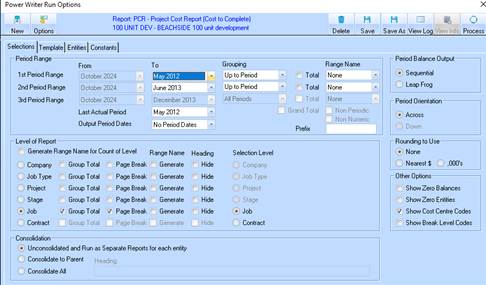
1. To specify Run Options for your report, select the Run button. The following window will be displayed:
2. In the Selections tab there are several areas that can be altered and changed, depending on how you would like to run the report. Once you have made your option choices, you can save these options so that you do not have to choose them again.